
By MAZ Outdoor · Published October 2, 2026
A buyer approves a backpack described as suitable for a 15-inch laptop, then discovers that the intended device catches at the opening or prevents the zipper from closing. The problem is often an incomplete size brief. A screen-size label, an outer bag measurement and a capacity in liters describe different things.
To specify custom backpack size, start with the actual items the user will carry. Record the laptop’s closed dimensions, including any case, then confirm the finished laptop compartment, the access opening and the remaining space with a loaded sample. Approve exterior dimensions separately for appearance, storage and any relevant transport requirements. A single headline measurement cannot replace these checks.
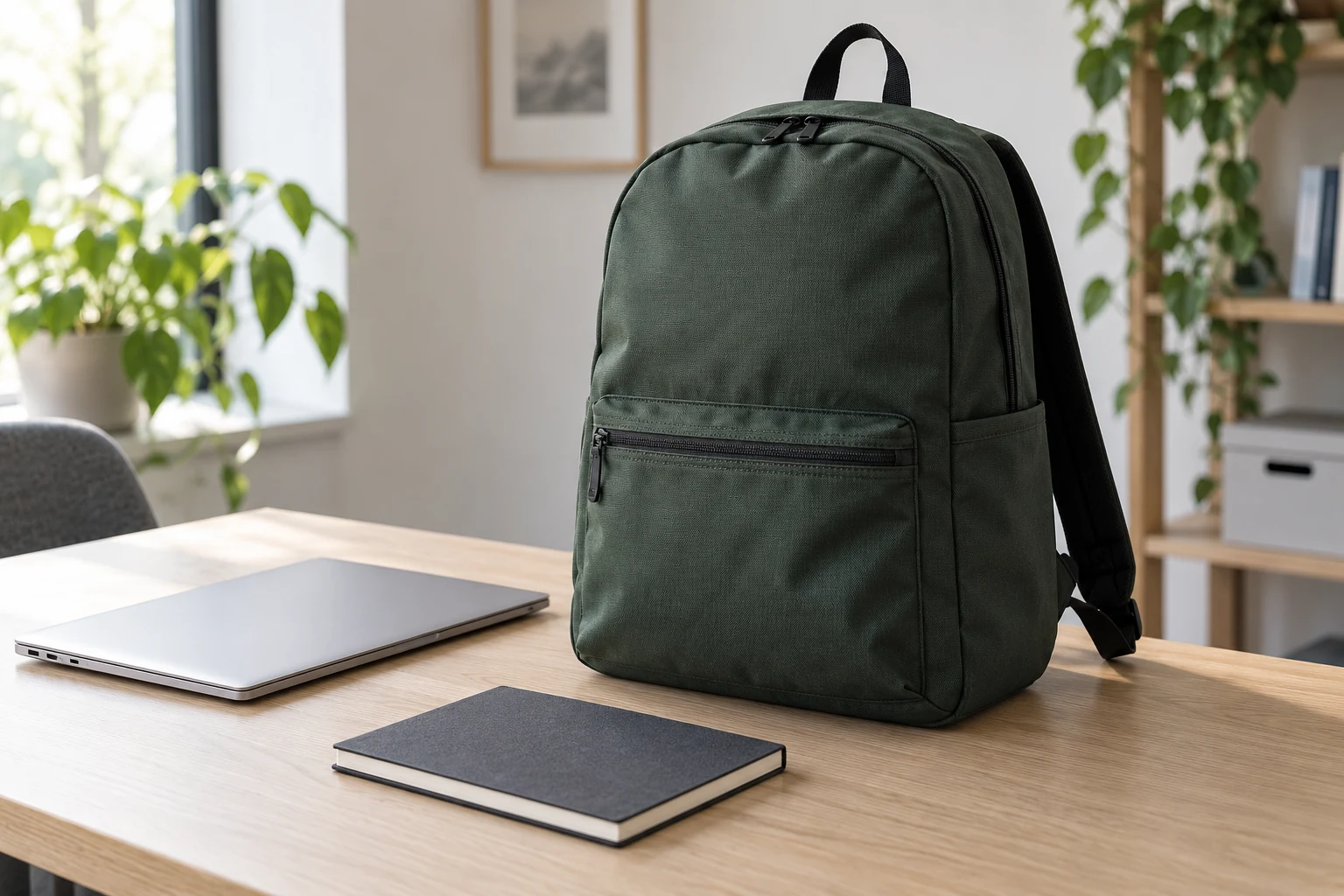
Images in this guide are AI-generated illustrations of a generic backpack, not evidence of a tested product.
Start with the laptop’s body, not its screen label
Screen size is a diagonal display measurement. It does not specify the width, depth or thickness of the closed device. For a corporate order, ask which laptop models will be issued. For a retail collection, define the physical device envelope you intend to accommodate instead of assuming every laptop in one screen-size class is identical.
For example, Apple’s current MacBook Air specifications, checked on October 2, 2026, list a 13.6-inch diagonal display for the 13-inch model and a closed body measuring 30.41 cm wide, 21.5 cm deep and 1.13 cm thick. The body dimensions are the useful starting information for bag fit. This example does not establish compatibility with any MAZ Outdoor backpack.
Measure the configuration that will actually enter the bag. A protective shell or separate sleeve changes that envelope. Tell the supplier whether users should carry the device bare, in a case or in a removable sleeve. Include the intended insertion orientation: rotating the laptop changes which dimension must pass through the opening.
A product such as the Lightweight Sports Laptop Backpack can provide a reference direction for discussion. Ask for the finished compartment and opening to be developed around your specified device rather than treating the reference image as a fit guarantee.
Keep four backpack measurements separate
Use a dimension sheet that identifies what is being measured and the condition of the bag. Measurements taken on an empty, flattened sample should not be silently compared with measurements taken on a filled backpack standing upright.
| Measurement | What the buyer needs to confirm |
|---|---|
| Exterior bag size | Finished height, width and depth; measurement points and whether the bag is empty or loaded. |
| Laptop compartment | Usable internal width, depth and thickness allowance after lining, padding and seams are present. |
| Access opening | Clear entry path with the zipper fully open, including corners, folds and any retaining tab. |
| Usable carrying space | Whether the full intended packing set fits and the closures work without forcing. |
If the supplier uses different names for width and depth, add an annotated sketch showing the axes. In this guide, laptop width is the longer side of the closed device, device depth is the front-to-back side, and thickness is the closed height. Inside a vertically oriented backpack, those dimensions may be described differently. A clear drawing avoids a vocabulary mismatch.
Agree the finished dimensions and any measurement tolerance during product development. Request a measurement method that another inspector can repeat. Do not invent a universal tolerance or clearance: material flexibility, padding, construction and the intended fit change what is appropriate.
Check the opening before enlarging the whole bag
A compartment can be wide enough inside while its entry path remains awkward. Curved zipper corners, a narrow top opening, a retaining tab or adjacent pockets may restrict insertion. First identify where the laptop catches, then decide whether the opening, compartment or overall bag needs to change.
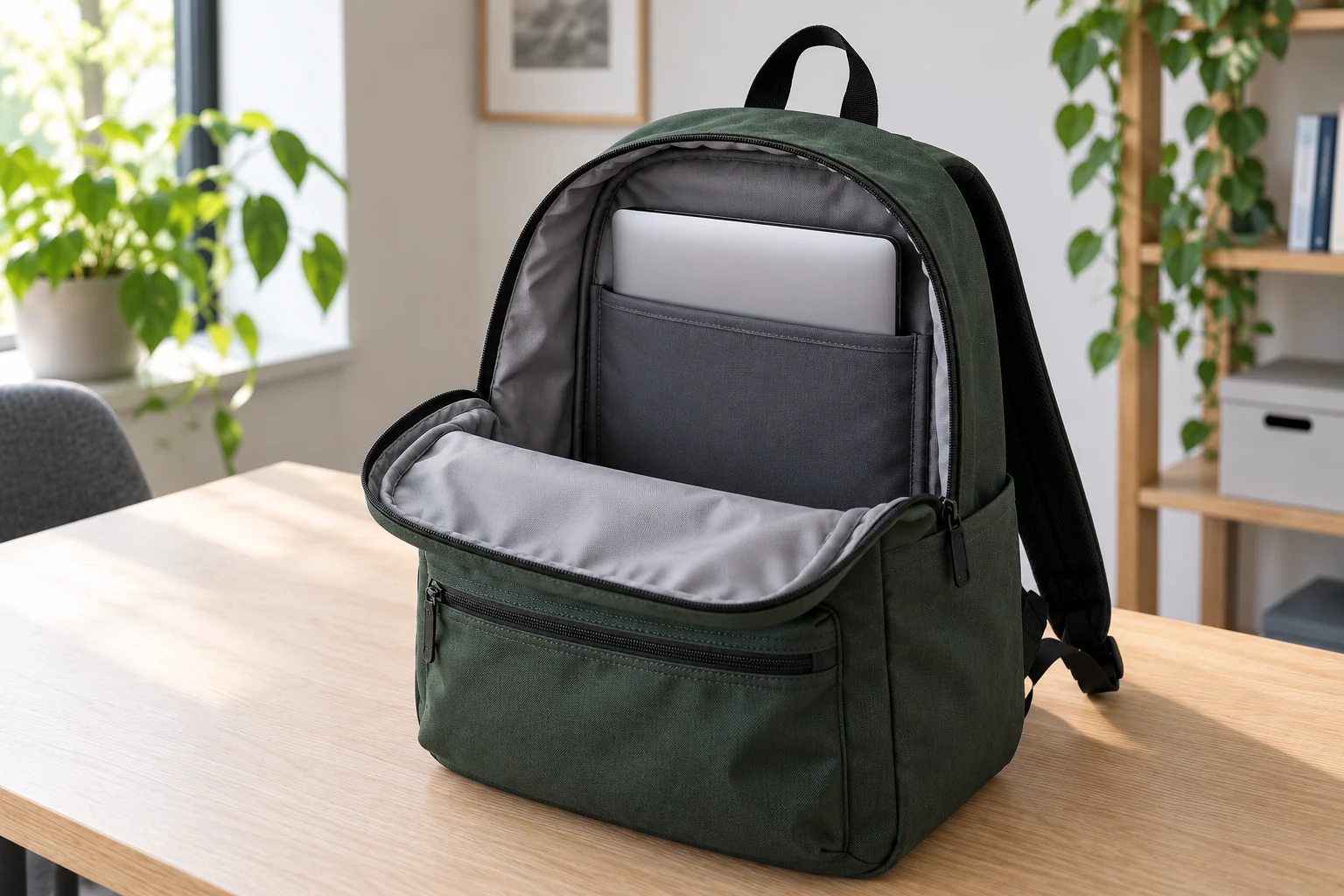
As an illustrative fit brief, suppose a closed device and case together measure 320 × 225 × 18 mm. Those are hypothetical item dimensions, not a recommended sleeve specification. The supplier still needs to propose a finished compartment that accepts the item, an opening that permits insertion in the agreed orientation, and a closure that operates with the device inside. A drawing showing only a 320 mm panel does not resolve the fit.
Review insertion and removal with the actual device or an agreed rigid substitute matching its overall envelope. A substitute can help check geometry, but it does not reproduce every surface, weight or edge detail of the device. Record that limitation if it is used for sample approval.
Try the check again with the other intended contents packed. The laptop may fit easily in an empty bag but become difficult to remove when the main compartment is full. Include any retention strap in the review and confirm that it closes as intended without pressing against the device in an unapproved way.
What does backpack capacity in liters really tell you?
A capacity figure needs a stated measurement method. Ask whether it refers to the main compartment alone or includes other pockets, and how the number was obtained. When comparing supplier proposals, use the same scope and method rather than comparing two unexplained figures.
A rectangular calculation can provide a rough geometric reference, but it is not a verified usable capacity. For example, hypothetical exterior dimensions of 43 × 30 × 15 cm produce a rectangular envelope of 19,350 cm³, or 19.35 liters. That calculation includes space occupied by the construction and assumes a full rectangular shape. It does not mean the finished backpack holds 19.35 liters of usable contents.
Rounded corners, taper, padding and internal organization change how items fit. External pockets also need a clear definition: an empty side pocket and the main compartment may share space when both are loaded. Do not add nominal pocket volumes together without understanding the arrangement.
For a buyer choosing between samples, a repeatable packing set can be more useful than an unsupported liter label. Define the laptop, charger, notebook, bottle and any additional items by actual size. Photograph the set, identify which compartment holds each item and use the same set for every revision. Keep a formal volume measurement separate if your project requires one.
Approve a loaded sample with a repeatable routine
Build fit review into the sample approval process. The aim is to approve an observable arrangement that the supplier can reproduce, including the materials and internal construction used in the review.
- Confirm the sample revision, material layers and finished measurement points.
- Insert the specified laptop configuration and operate its retaining feature, if present.
- Pack the agreed remaining items into their designated compartments.
- Close each zipper without forcing it and inspect whether the contents distort the intended shape.
- Remove and replace the laptop while the rest of the packing set remains in the bag.
- Record the measurements, item list, photographs and accepted revisions together.
Have representative users review access and carry comfort with the intended contents when that is part of the brief. Treat their feedback separately from a structural load or protective performance claim. A successful packing demonstration does not prove a load rating, drop resistance or protection against water.
If the bag must satisfy a particular airline, venue or storage limit, obtain the current requirement from that operator and define the condition in which the bag will be measured. Loaded shape and protruding parts matter to the physical check. This guide does not establish compliance with any airline’s baggage policy.
After a size revision, repeat the fit review. Changing the outer shell, padding, zipper route or pocket layout can affect the approved arrangement. Consolidate feedback into one dated revision list, and confirm which dimensions and items are part of the final production reference.
Questions to resolve before requesting a backpack quote
Is a larger backpack always the answer to laptop fit?
No. The limiting point may be the opening or the internal compartment rather than the exterior size. Identify the restriction on the sample first. Expanding the whole bag can also change the intended appearance and carrying arrangement, so review the complete design after the change.
Should laptop fit and carrying capacity have separate approvals?
Yes. Laptop fit confirms that the specified device enters, sits and can be removed as intended. A packing-set review confirms that the rest of the expected contents also fit. A capacity claim needs its own agreed method and scope. Record these outcomes separately.
What if the buyer has several laptop models?
List each model and its dimensions with the required case. Check whether the largest overall device also represents the thickest device; one model may not cover every limiting dimension. Agree which models or substitutes will be reviewed, and do not describe untested models as confirmed fits.
Turn the size decision into a clear supplier brief
For a custom backpack size inquiry, send the intended user and use case, target exterior dimensions, laptop models or item envelopes, case requirements, insertion orientation, compartment plan and the complete packing set. Add the order quantity, color split, destination and target delivery milestone. Use the custom bag quote checklist to keep those commercial inputs alongside the design scope.
Send MAZ Outdoor your backpack size brief and request a proposed layout plus a fit review plan. Confirm laptop access, the loaded arrangement and the finished measurements before approving the production reference.